
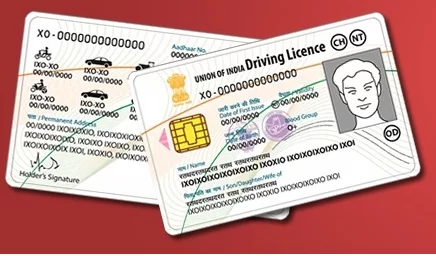
Duplicate Driving License Online Application Process: If you drive, then driving license is such a document without which you cannot drive. If you are caught driving without a driving license, the challan will be deducted.
The document is there and it may happen that it may get lost somewhere. No need to worry on this because you can apply for Duplicate Driving License Online in minutes. The process is different in different states and for example, here we are going to tell about the process of UP. Let us know about the steps of this easy process.
Submit these documents before applying for DL
If you are going to apply for your duplicate driving license then first of all you have to collect some documents which may be required. For Duplicate Driving License, you will need Application in Form-2 (LLD), Original License, Photocopy of License, Copy of FIR, Passport Size Photograph, Age Proof and Address Proof.
Follow these steps for online application
To apply for Duplicate Driving License in UP, first go to the website of Sarathi Transport, , select the option of ‘Online Services’ and then ‘Driving License Related Services’ Select ‘. Now select the state ‘Uttar Pradesh’ after which you will be redirected to the website of Sarathi Transport.
Here go to the ‘Driving License’ page and click on ‘Services on DL
(Renewal/Duplicate/AEDL/IDP/Other)’. Select ‘Continue’ and then enter your driving license number and your birthday. After this select your driving license from the DL details received and click on continue.
Do this now After that select your state name and RTO, confirm your driving license details and then proceed by selecting ‘Issue of Duplicate DL’. Now you have to tell why you are applying for DL and after that download the application form you have filled earlier and the receipt received after payment. You will have to take both these documents to the RTO’s office and submit it. Your duplicate driving license will come here in a few days.
#Lost #Driving #License #Apply #Duplicate #minutes #online #process #WhoWiki.org
